Tutorials
Quick & easy video tutorials to learn everything Live Print.
What You’ll Need
Main Items
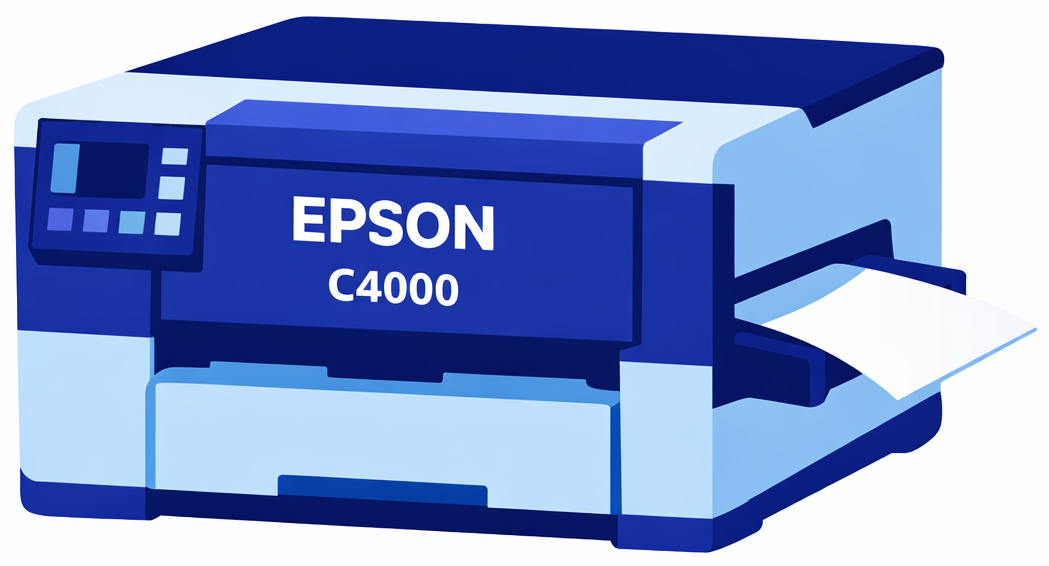
Label Printer
LivePrint Software

Photo Capture Device
(iPad, Photobooth, DSLR camera, etc.)
Additional Items


Paper + Pens
See recommendations here
Power
(for Laptop & Bots)
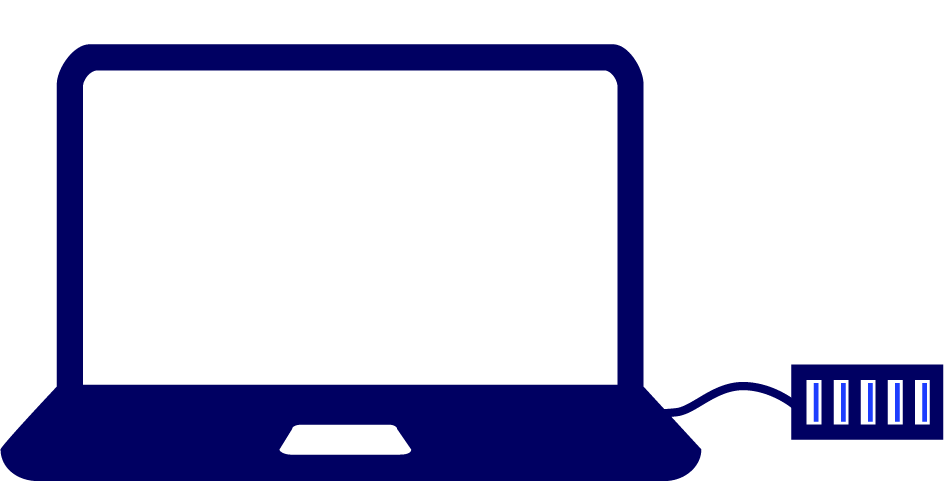
Laptop + USB Hub
Specs: Windows or Mac
16GB ram, 4 cores

Wifi (Internet)
or Local Network
Check out the Recommended Hardware page for more specific information.
Photo Capture Options

MosaiCapture App for iOS
Use our iPad app to take photos in any environment
No green screen necessary
Included with Live Print software
Note: iOS 15 or greater required

Use Your Own System
The Live Print software includes a ‘hot folder’ that can connect directly to your photo capture system
Perfect for existing photobooths or DSLR cameras
Note: Photos will need to be cropped to square prior to adding them to the hot folder
Recommendations + Requirements
Printer Requirements
LivePrint Mosaic tiles must be printed using a supported label printer.
Supported printers:
Epson ColorWorks C4000
Primera LX500
Be sure to have the correct power cables, USB cables, ink cartridges, and compatible mosaic label paper for your printer.
Note: We recommend testing your printer and label media combination before your event to ensure proper alignment and edge-to-edge printing.
Photo Capture Device
Photos are captured using an iPad running the Mosaic Capture app.
Recommended setup:
• iPad with Mosaic Capture app installed
• Connected to the same network as the LivePrint computer
• Private Wi-Fi Address disabled in Wi-Fi settings
Multiple iPads can be used simultaneously for higher photo volume.
Minimum PC Requirements
Windows Laptop:
Processor: Core i5-10210U, AMD Ryzen 3 3500U, or 4 Core with 8 Thread equivalent
Note: Celeron N/Atom processors not recommendMemory: 16 GB RAM
Hard Drive: Solid State Drive (256GB)
OS: Windows 10/11 64-bit
Google Chrome Web Browser installed
USB-C HUB Recommendations
We have found this hub to be the most reliable when connecting multiple bots:
USB-C to USB-A adapter (if your laptop does not have a free usb-c port)
Network Recommendations
A local network is required so iPads can communicate with the LivePrint system.
Recommended setup:
• Dedicated wireless router
• Laptop connected to router via Ethernet when possible
• iPads connected via Wi-Fi
Note: Public or venue Wi-Fi networks typically block device-to-device communication and should not be used.
A mobile hotspot may work, but it should always be tested prior to your event.
Printer Setup Recommendations
Before running your mosaic, send test prints to confirm proper alignment.
Key settings:
Tile Size: Typically set to 2-inch tiles.
Bleed Percent: Default: 3%, which helps ensure edge-to-edge printing.
Alignment Adjustments: Use Left Margin and Top Margin if prints are not centered.
Note: Alignment can vary slightly between printers, so testing each printer is recommended.
Event Preparation Recommendations
Before going on site, we recommend performing a full system test.
Checklist:
• Printers detected in Print Manager
• Test prints show edge-to-edge coverage
• iPad photos appear in the mosaic grid
• Mosaic tiles print correctly
Testing your full setup ensures the system runs smoothly during your event.